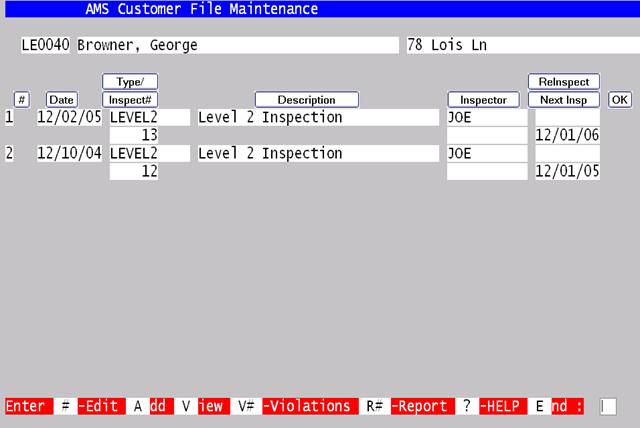
This screen will let you view the past history of inspections, select one to view or modify, or add a new inspection. Once an option is chosen the following screen will display:
This screen will let you modify, view or add inspection details or print an inspection report. Inspections are shown with the most recent inspections on top.
|
Command |
Description |
|
A-Add |
Add another Inspection |
|
V-View |
View the current inspections. |
|
V#-Violation # |
Maintain the violations on the inspection designated. |
|
R#-Report # |
Maintain the Fire Reports on the inspection designated. |